
Video calls have become common enough as a work and social context that
they warrant their own accessorizing considerations, separate from
in-person styling. Webcam framing, lighting, and audio pickup all
interact with jewelry differently than in-person viewing does, and a
piece that looks great across a table can behave very differently on a
screen.
Why Framing Changes What Actually Matters
Most video calls frame from roughly the chest or shoulders up, meaning
necklace choice, earrings, and hair matter far more than anything below
the frame — rings and bracelets, which carry real weight in in-person
styling, are largely invisible in typical video call framing unless you
gesture with your hands close to the camera. This changes the practical
priority order entirely: earrings and necklaces do essentially all the
visible jewelry work on a call, while rings and bracelets are close to
irrelevant for how you’ll actually be seen.
Necklace Length Interacts With Framing in a Specific Way
A necklace that sits at the collarbone or above stays within typical
video call framing, while a longer pendant or lariat style (per our
necklace-shape guide) often falls below the frame entirely, making it
functionally invisible despite being a deliberate styling choice. If
you want a necklace to actually register on camera, shorter chain
lengths — similar to the choker-length pieces from our necklace-length
guide — are the more reliable choice specifically for this context.
Reflective Jewelry Can Cause Real Glare Issues
High-polish, reflective jewelry — the bright finishes discussed in our
clean girl aesthetic piece — can catch and reflect screen or ring-light
illumination in a way that creates distracting glare or light flares on
camera, an issue that doesn’t really exist in normal in-person viewing.
Brushed or matte-finish jewelry, per our quiet luxury guide, tends to
perform more predictably on camera precisely because it doesn’t create
this reflective glare, which is a genuinely practical (not just
aesthetic) reason to prefer matte finishes for frequent video call wear.
Dangling and Layered Pieces Can Interfere With Audio
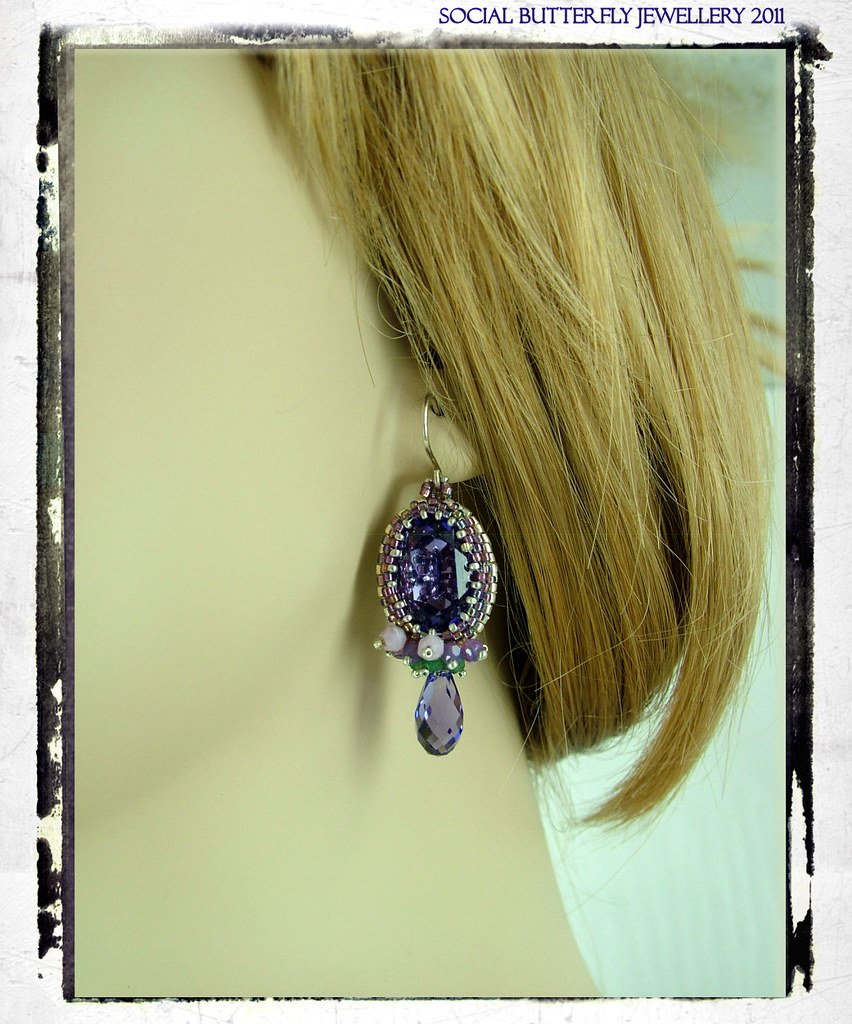
Long dangling earrings and layered necklaces that shift and click
against each other can occasionally register on sensitive built-in
laptop microphones, particularly with head movement during a call — a
consideration that has nothing to do with how a piece looks and
everything to do with a genuinely practical audio issue specific to
video calls. Smaller stud or huggie earrings and a single, non-layered
necklace avoid this issue entirely, which is worth prioritizing for
calls where audio clarity matters (client calls, recorded meetings)
over calls where it’s less critical.
What Actually Reads Well on Camera
Given the framing, glare, and audio considerations above, the pieces
that work best for frequent video call wear are small, brushed-finish
studs or huggie hoops and a single, shorter-length necklace in a matte
finish — essentially the same daily-wear basics tier from our capsule
jewelry-box guide, which already prioritizes understated, consistent
pieces well-suited to this context without requiring a separate
“video call jewelry” purchase category.
When to Deviate From This for a Specific Occasion
For a video call that functions more like an event — a virtual
presentation, an on-camera interview, a special virtual celebration —
the same one-statement-piece logic from our outfit-building guide still
applies, just filtered through the camera-specific considerations above:
a single, higher-visibility piece (a bold but matte-finish necklace, or
statement earrings if hair is worn back) rather than multiple
competing elements, chosen specifically for how it performs within
typical video-call framing rather than assumed from in-person styling
instinct.
Frequently Asked Questions
Does jewelry color matter differently on camera versus in person?
Webcam color rendering can shift subtly compared to true in-person
color, particularly under artificial lighting, so if color-matching
jewelry to an outfit matters for a specific call, it’s worth checking
how both appear together on your actual camera setup beforehand rather
than assuming in-person color coordination translates directly.
Is it worth avoiding jewelry entirely for video calls to sidestep
these issues?
Not necessary — the daily-wear basics category already avoids most of
these pitfalls, so there’s no need to remove jewelry entirely; it’s more
about choosing from the right end of your existing collection for this
specific context.
Do these considerations apply the same way to recorded video content
versus live calls?
Largely yes, though recorded content allows for a retake if glare or
audio interference is noticed, which live calls don’t — meaning the
stakes for getting this right are somewhat higher for live, one-take
video calls specifically.